
How to use Prowl
Everything you need to know
The map
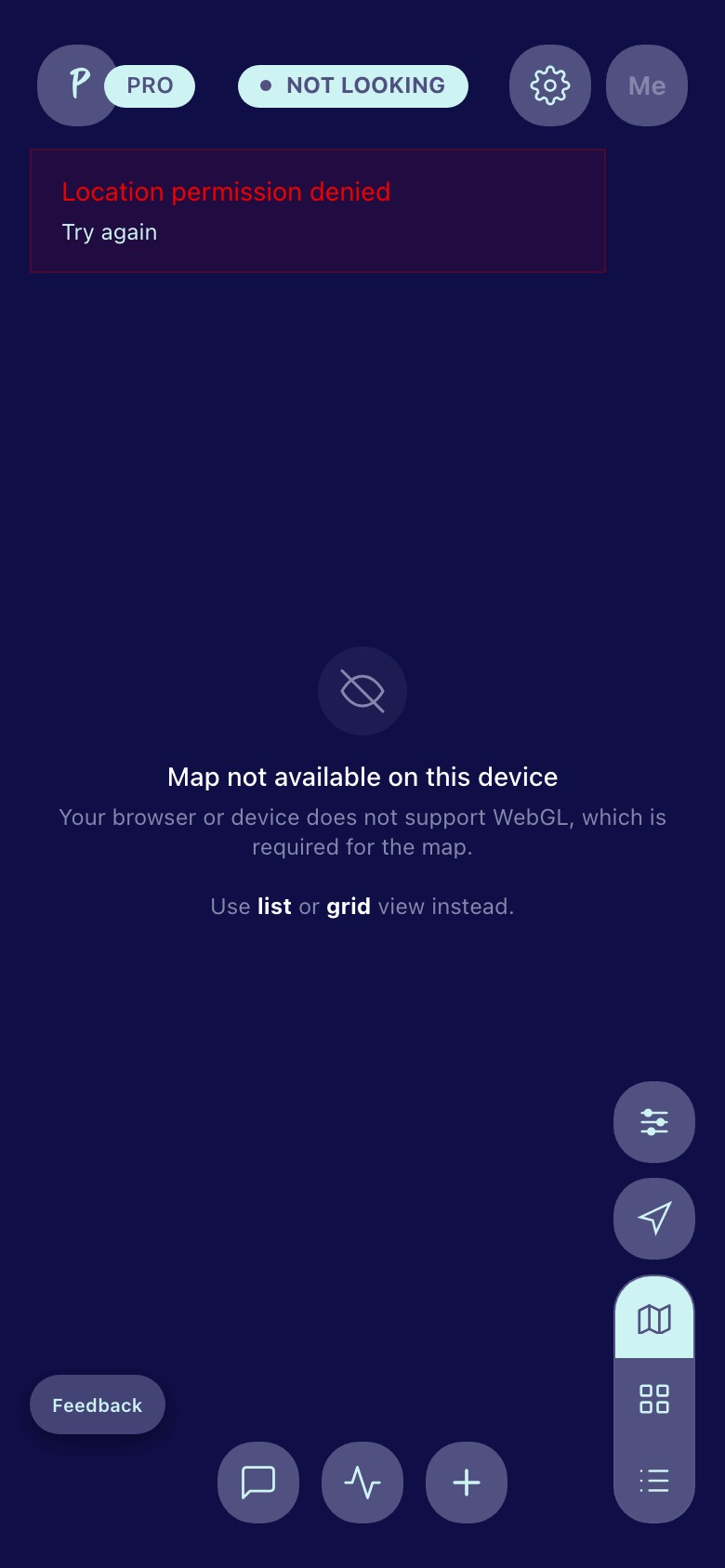
The map is your main screen. It shows everyone nearby in real time. Each person appears as a circular photo pin on the map. The colored ring around their photo tells you what they're up to:
- Green ring — they're actively looking right now
- Blue ring — they're hosting
- Gold ring — they're cruising
- Gray ring — they're watching (just browsing)
Your own pin shows on the map too — tap it to view your profile. Your exact location is never shown to anyone. Prowl fuzzes your position to a random point within a radius you control.
Viewing someone's profile
Tap anyone's pin on the map to open their full profile. The profile shows their photos, stats, what they're looking for, and everything they've shared about themselves. Profiles without a photo show a blue-tinted silhouette avatar.
At the top of the profile you'll see:
- Heart button — favorite them for quick access later
- Chat button — start a conversation
- Map button — fly to their location on the map
Use the < Profiles > navigation in the header to browse through nearby people without going back to the map.
Swipe through their photos in the carousel. Tap any photo to open a fullscreen gallery. If they've shared a private album with you, those photos appear in the gallery too.
Switching views
The buttons on the lower right let you switch between:
- Map view — the default, shows pins on the map
- List view — shows people in a scrollable list with more detail
- Grid view — photo grid for quick browsing
In list and grid view, the filter bar appears at the top. Below each person's photo pin on the map, a small white pill shows their position (top/bottom/vers), hosting status, and online indicator at a glance.
Filters
Tap the filter button (lower right on the map, or the "Filters" button in list/grid view) to narrow down who you see. You can filter by:
- Online now
- Favorites only (heart toggle)
- Looking for (hookup, chat, friends, dating, coffee, workout buddy, and more)
- Body type, position, tribe, ethnicity, age range
- And more with Pro
A green dot appears on the filter button when filters are active.
Messages
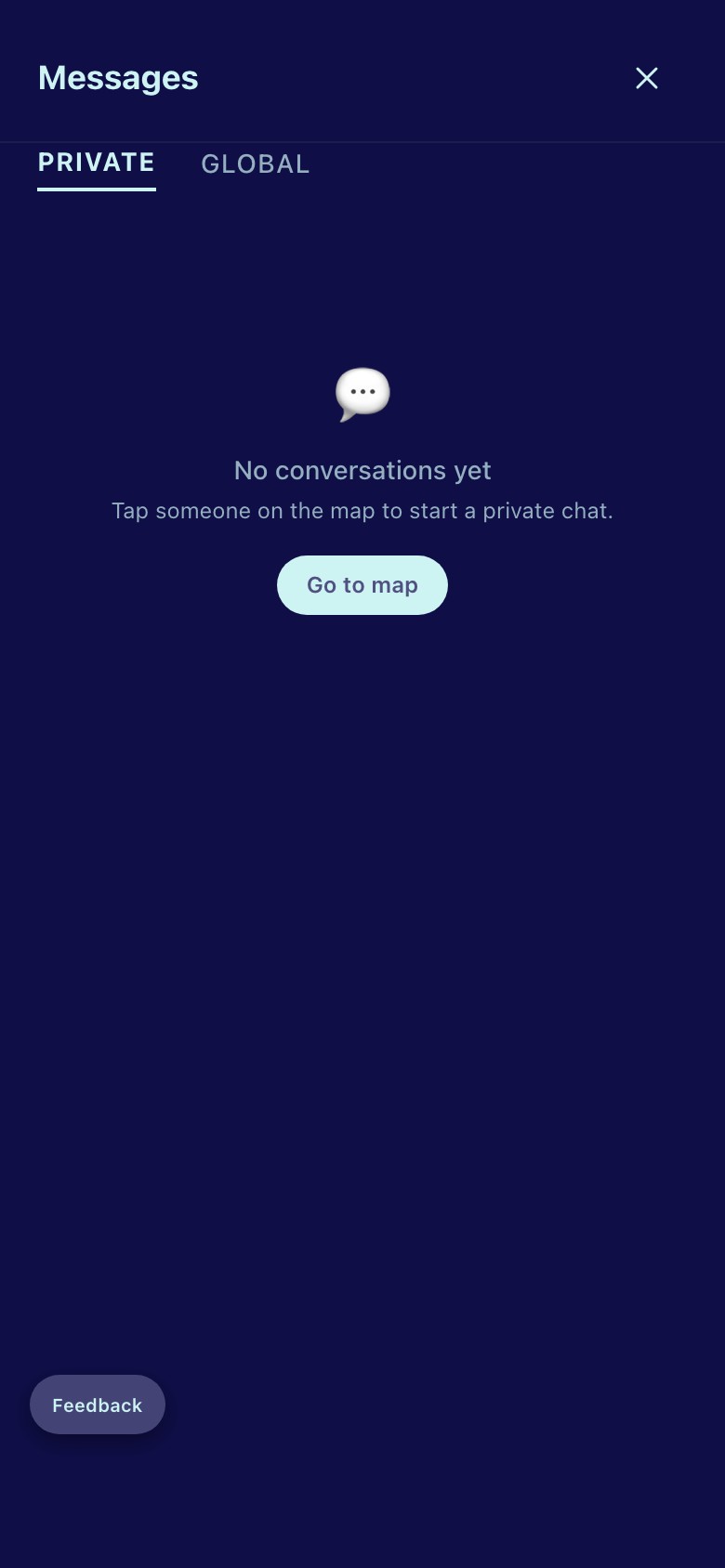
Messaging is free and unlimited. No tokens, no limits, no pay-to-chat. Tap the chat button on the bottom bar to see your conversations. A toast notification appears when a new message arrives while you're using the app.
In a conversation you can:
- Send photos and videos — tap the camera icon in the message bar
- Send voice messages — tap the microphone icon, record, tap again to send
- Share a private album — tap "Album" above the chat
- Set a self-destruct timer — tap the clock icon to make messages disappear after 1 hour, 6 hours, 24 hours, or 7 days
- Delete a message — hold down on any message you sent to delete it for both of you
The message input bar is the white pill at the bottom of the chat. Photo button on the left, type your message in the middle, timer and send button on the right.
Deleting a conversation
On the message list, long-press (or right-click on desktop) any conversation to see options:
- Delete conversation — removes the chat for both you and the other person
- Delete and block — removes the chat and blocks the person
- Delete, block, and report — all of the above plus files a report
Broadcast
Broadcast lets you send a message to everyone nearby. It's like a local bulletin board. Tap the + button on the bottom bar, then "Broadcast," or go to Messages and switch to the "Global" tab.
Broadcasts are visible for 7 days, then they disappear. Use it to announce that you're hosting, looking for something specific, or just want attention.
Signals
A signal is a way to express interest without starting a conversation. Tap someone's pin, then tap "Signal." Choose from six options: Wink, Nod, Flex, Cruise, Grab, or Bite.
If you both signal each other, it's a mutual match — and you'll both know about it. A toast notification pops up in the app whenever someone signals you, even while you're browsing elsewhere in Prowl. Free users get 10 signals per day. Pro users get unlimited.
What are you looking for?
Tap the "Not looking" pill at the top of the map. A menu appears with seven options:
- Just chatting — want to talk, not meet up
- Friendly hang — looking for company, not a hookup
- Workout buddy — gym partner, running buddy, etc.
- Dating — looking for something more
- Quick & easy — you know what this means
- Long session — you've got time
- Not sure yet — open to whatever
Your choice appears in the green pill at the top of the map and broadcasts to people nearby. It auto-expires after 2 hours. Tap the green pill again to turn it off.
Activity
Tap the activity button (heartbeat icon) on the bottom bar. This shows:
- Signals — who signaled you and what they sent
- Invites — event invitations you've received, with Accept/Decline
- My Events — events you organized, with attendee counts and who accepted
- Favorites — everyone you've favorited, with links to their profiles
- Viewed me (Pro) — who looked at your profile

Favorites
Tap the heart icon on any profile to favorite them. Favorites persist to your account — they're saved across sessions and devices.
Find your favorites in the Activity tab under "Favorites." You can also filter the map, grid, and list views to show only favorited users using the heart toggle in the filter bar.
Your profile
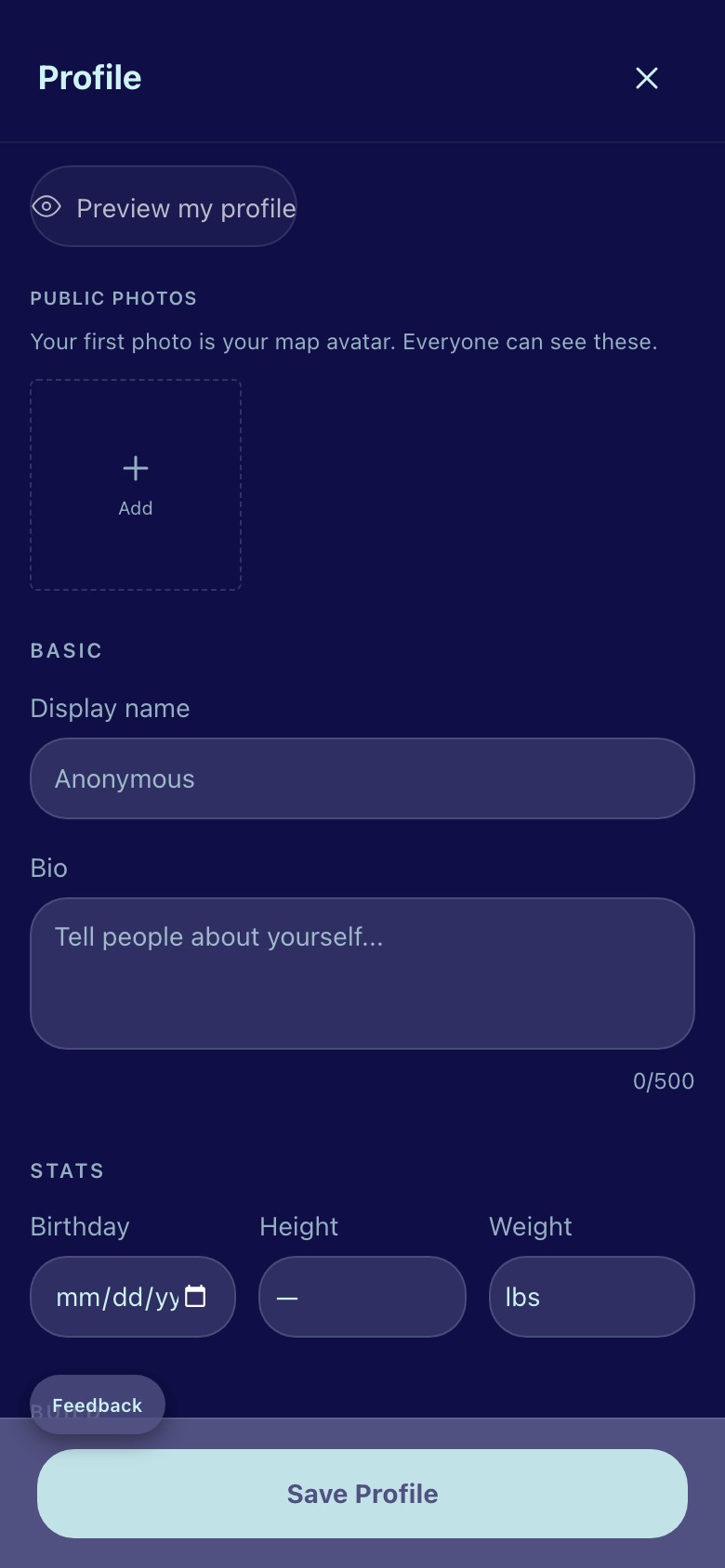
Tap your photo in the top right corner of the map (or tap your pin on the map) to edit your profile. You can set:
- Display name, birthday (age calculates automatically), bio
- Body type, position, tribe, ethnicity
- What you're looking for
- Kinks and hanky flags
- Hosting status and substance preferences
- Up to 3 public photos (more with Pro)
All fields are optional. Share as much or as little as you want.
Private albums
Create private photo albums in your profile. These are not visible to anyone unless you share them.
To create an album: go to your profile, scroll to "Private albums," tap "New album." Name it and add photos right there — no extra steps.
To share in chat: open a conversation, tap "Album" above the chat, and pick which album to share. The other person sees a preview card with your photos. They can tap to view the full album.
When someone shares an album with you, you'll see a prompt: "They shared an album with you. Share yours back." One tap opens your album picker.
Events
Host a party, meetup, or gathering. Tap the + button on the map, then "Host an event."
When creating an event you set:
- Title and type — pool party, leather night, meetup, etc.
- Date and time
- Address — stays private until your chosen reveal time
- Reveal timing — how many hours before the event the address is shown to attendees
- Attendee cap — maximum number of people
- Rules of engagement — your house, your rules
Invite people from their profiles (the "Invite" button in the action bar). Invitees see the invitation in two places: as a card in their chat with you (with Accept/Decline buttons), and in the Invites tab on their Activity page. Accepted attendees get access to a group chat for the event.
You can add events to Google Calendar with one tap.
Cruising spots
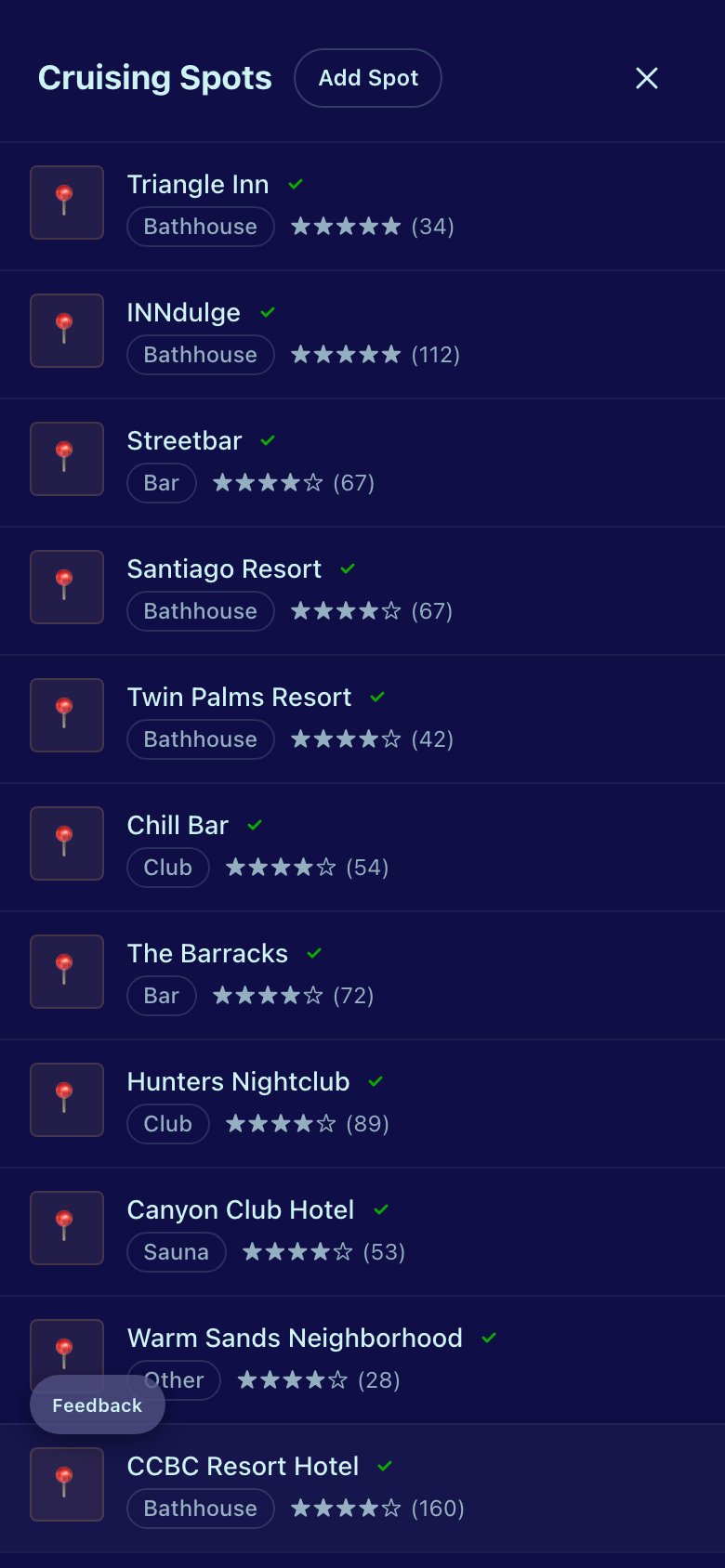
Community-submitted locations. Tap the + button, then "Cruising spots" to browse. Each spot shows:
- Name, type (park, bar, bathhouse, etc.)
- Rating and review count
- Best times and safety notes
- How many people are there right now
You can submit new spots. Submissions are reviewed before appearing on the map.
Settings
Tap the gear icon in the top right of the map. Settings include:

Privacy
- Visible on map — turn off to disappear from the map entirely
- Allow anonymous messages — let users without accounts message you
- Incognito mode (Pro) — browse without appearing in anyone's "Viewed me"
- Location fuzzing — control how much your position is randomized (100m–2km / ~330ft–1.2mi). Your choice saves to your account and persists across devices.
Safety
Share your real-time location with a trusted person before meeting someone. They get a private link — no Prowl account needed. They can see roughly where you are on a map. The link expires automatically.
Notifications
Turn on push notifications to get alerted when someone messages you or sends a signal while you're away.
Accessibility
- Dyslexic-friendly font — switches to OpenDyslexic
- Reduce motion — disables all animations
- High contrast — increases text contrast
- Larger text — bumps up all font sizes
Pro
Free works. Pro is for people who want to work the room.
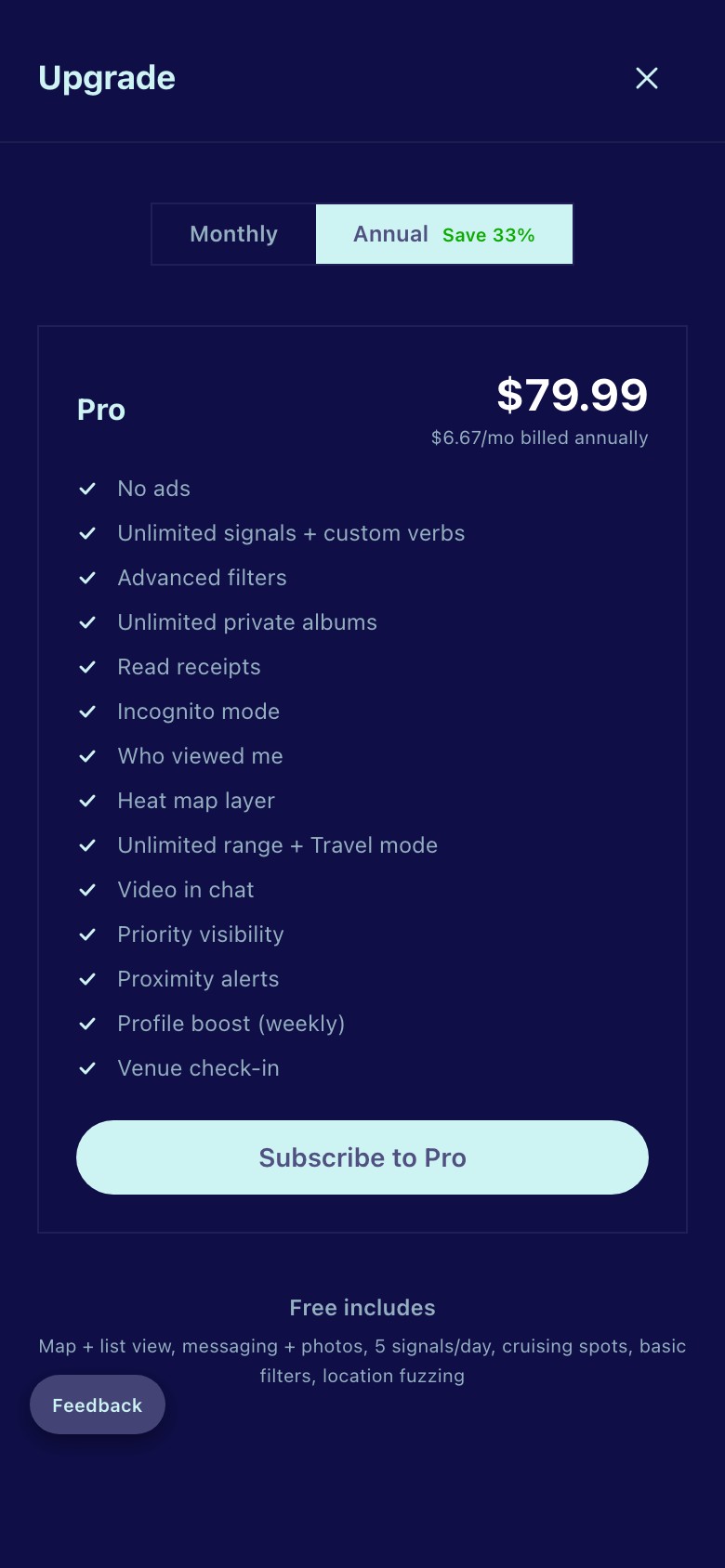
Pro adds:
- Unlimited signals
- Advanced filters (body type, position, kinks, age range, last active)
- Unlimited private albums
- Read receipts
- Incognito mode
- Who viewed your profile
- Heat map (see where activity is concentrated)
- Extended radius (60 miles)
- Video in chat
- Priority placement in the grid
- Travel mode (set your location before you arrive)
- No ads
Pro costs $9.99/month or $79.99/year. Founding Members pay $59.99/year, locked in for life.
Cancel anytime from Settings or the upgrade page. If your payment fails, you drop to free tier but keep all your data. Fix payment, everything restores.
Verification
Prowl automatically verifies accounts using device signals, location patterns, and usage behavior. You don't need to do anything — it happens in the background.
If your account gets flagged (this is rare), you'll see a banner explaining what happened. You can either wait for automatic clearance or submit a selfie or photo for fast-track manual review. Photos are reviewed by an admin and deleted after verification.
Verified users get a checkmark badge on their profile and map pin. It means their profile photo matches a recent selfie — it's a photo match indicator, not an identity guarantee.
Blocking and reporting
On any profile, scroll to the bottom and tap "Block" or "Report." Blocking is instant — they can't see you, message you, or know they've been blocked.
If they create a new account from the same device, the block follows the device. Reports are reviewed by the admin team.
Your account
You can use Prowl anonymously — no email or phone required. If you create an account (email + password), your profile, messages, and settings are saved across devices. After signup you go straight into onboarding — no extra steps.
When you open Prowl for the first time, the app automatically prompts your browser for location permission so the map can show people near you.
Sessions auto-expire after 30 minutes of inactivity. If you walk away, your session locks itself.
To export your data, go to Settings and tap "Export my data." To delete your account, scroll to the bottom of Settings and tap "Delete account." Deletion removes your profile, messages, and photos. Device safety records (anonymous hashes, not personal data) are kept to prevent abuse. Both actions comply with GDPR and CCPA.
Voice messages
Tap the microphone icon in the chat input bar to record a voice message. Tap again (or the send button) to stop recording and send. Voice messages can be up to 5 minutes long.
Voice messages show as a waveform bubble in the conversation. Tap play to listen. They support the same ephemeral timer as text messages — set a self-destruct timer before recording and the audio will disappear after it expires.
All voice messages are stored securely and retained for moderation. They are accessible only to the sender and recipient.
Audio & video calls (Pro)
Pro subscribers can make audio and video calls directly from a chat conversation. Tap the phone or camera icon in the chat header to initiate a call.
When someone calls you, an incoming call alert appears with Accept and Decline buttons. During a call you can mute your microphone, toggle your camera (video calls), and see a live duration timer.
Calls are never recorded. When end-to-end encryption is enabled via LiveKit, the audio and video stream is encrypted on your device and only decrypted on the other person's device. Call metadata (who called whom, duration) is stored for billing purposes only.
NSFW content & age verification
Prowl allows explicit content. By default, NSFW images are blurred in public views (map, list, grid). You can enable them in Settings on the website.
If you're in a US state that requires age verification (currently 20 states), profile photos will appear blurred until you verify your age. Most states accept a simple date-of-birth confirmation. For Texas and Louisiana, you'll be asked to upload a photo of your driver's license or government ID.
How ID verification works:
- Tap a blurred photo — a verification prompt appears
- Take a clear photo of your government-issued ID
- An admin reviews it manually within 24 hours
- Once reviewed — approved or rejected — your ID photo is permanently deleted
- Only the pass/fail result is kept on your account
Your ID is never stored, copied, scanned, or shared. We don't extract your name, address, or license number from the photo.
iOS app
Prowl is available as a native iOS app in addition to the web PWA. Both apps share the same Supabase backend — your account, messages, settings, and everything else syncs automatically between them.
The iOS app supports all the same features: map, chat, signals, events, spots, albums, voice messages, calling, and settings. NSFW content preferences are managed on the website (Settings page) to comply with App Store guidelines — the same approach used by Twitter/X and Tumblr.
Staying safe
- Share your location with a friend before meeting anyone (Settings > Safety)
- Meet in public first if you can
- Trust your gut — if something feels off, leave
- Your location is always fuzzed — nobody sees your exact address
- Block anyone who makes you uncomfortable — it's instant and silent
Contact
Questions, feedback, or ideas: hello@getprowl.app
Or tap "Share an idea" in Settings to submit feedback directly.
See what's new in the changelog.